The people in your life.
Log a call to family so you can look back at when you last checked in.
 RoutineLog
A little tap. A useful record.
It’s in your calendar.
Keep a record of the everyday things you do. Turn your routines into simple buttons, then tap to save each activity to your chosen calendar.
Download on theApp StoreFor iPhone · Apple Watch companion
Meet your everyday log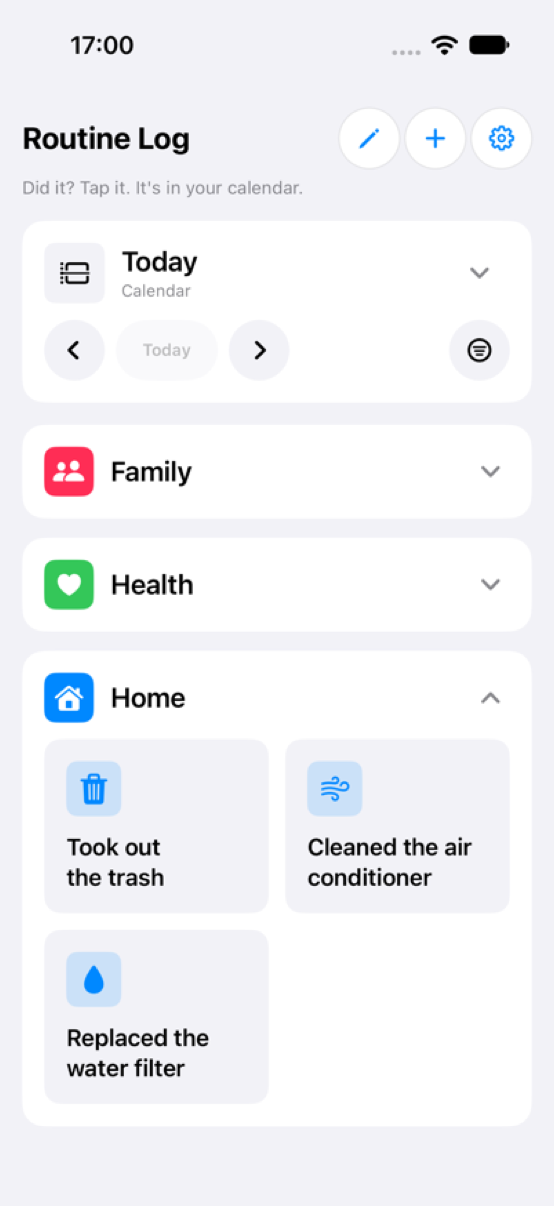
For the things that make up your day
Log a call to family so you can look back at when you last checked in.
Record a vitamin, a glass of water, or another routine you want to keep track of.
Remember when you changed a filter or finished a household task, without keeping it all in your head.
Your routines, your way
Choose what matters to you. RoutineLog gives each activity a familiar place and a simple way to record it.
Save activities to the calendar you choose. Review your day in RoutineLog and browse earlier days when you want to look back.
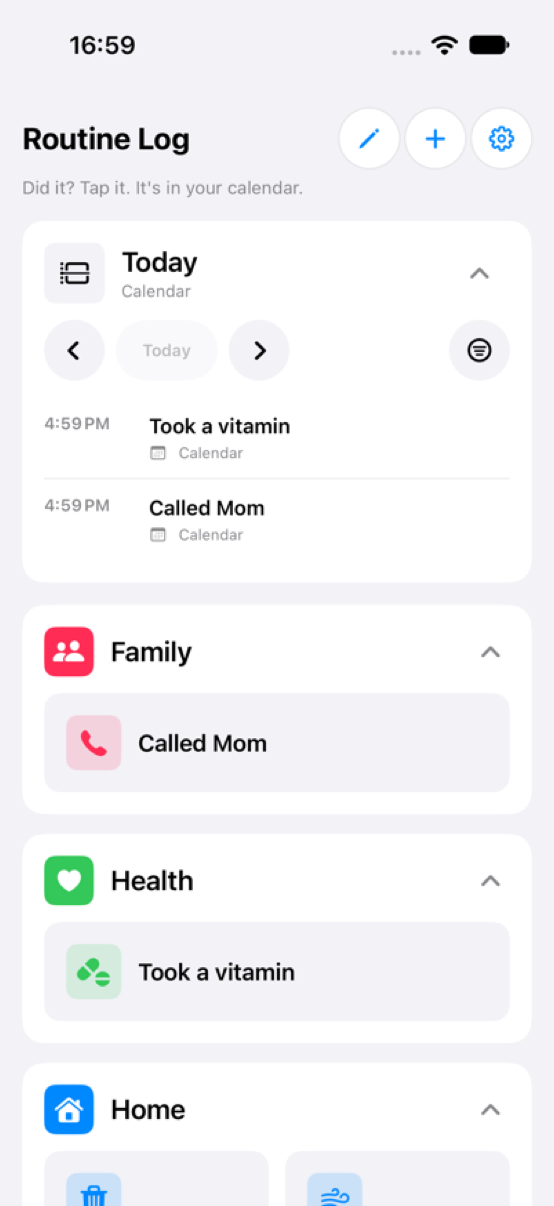
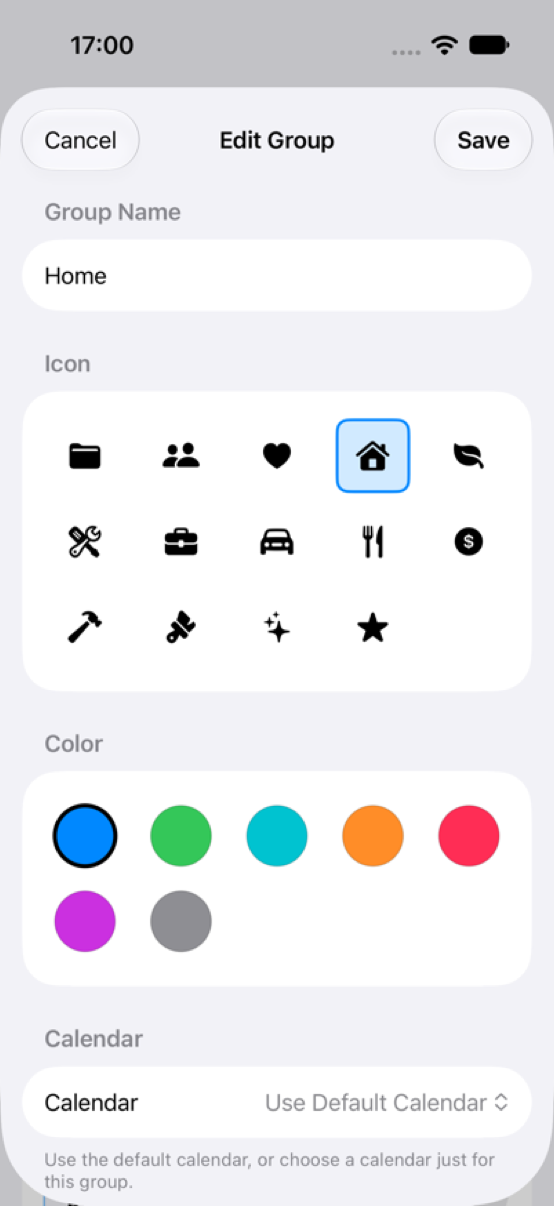
Choose titles and icons, organize buttons into colorful groups, and add notes or reminders to the activities that need them.
Add an amount and unit to a button, then see daily totals for your quantity categories.
Set a notification reminder for an activity, with repeat options for recurring routines.
Undo the event you just added when a tap was made by mistake.
A simple rhythm
Allow calendar access and select where your activity records should go.
Create groups and buttons for the routines you want to remember.
Tap your activity button to save a record. Add a note if you’ve enabled that option.
Your day, remembered
Give the everyday things you do a place in your calendar.
Download on theApp Store